
New graphs for monitoring pooled connections
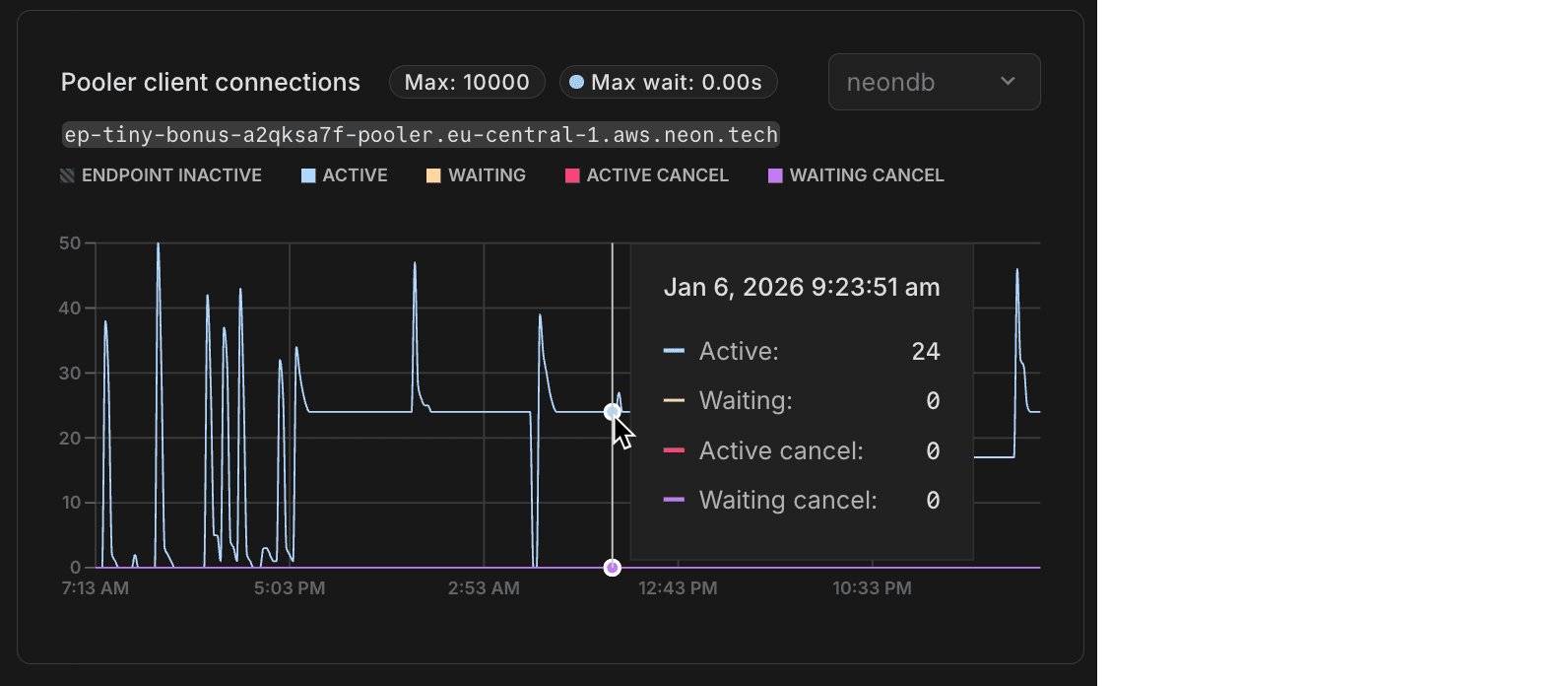
Neon uses PgBouncer for connection pooling, allowing thousands of client connections to share a smaller pool of actual Postgres connections. The monitoring page in the Neon Console now includes Pooler client connections and Pooler server connections graphs (these display data when you use a pooled connection). The Pooler client connections graph shows connections from your applications to PgBouncer, while Pooler server connections displays the actual connections from PgBouncer to Postgres. These graphs help you understand connection usage patterns, identify bottlenecks, and determine when to adjust your pool size or compute resources. For more information, see Monitoring dashboard.
GitHub Action support for Neon Auth and Data API
The Neon Create Branch GitHub Action now supports retrieving branch-specific URLs for Neon Auth and the Neon Data API. This makes it easy to run integration tests against isolated branch environments with the same auth and data access patterns you use in production. Set get_auth_url: true or get_data_api_url: true in your workflow to access the auth_url and data_api_url outputs for your test branch.
- name: Create Neon Branch
  uses: neondatabase/create-branch-action@v6
  id: create-branch
  with:
    project_id: ${{ vars.NEON_PROJECT_ID }}
    branch_name: feature-branch
    api_key: ${{ secrets.NEON_API_KEY }}
    get_auth_url: true
    get_data_api_url: true
- name: Use outputs
  run: |
    echo "Auth URL: ${{ steps.create-branch.outputs.auth_url }}"
    echo "Data API URL: ${{ steps.create-branch.outputs.data_api_url }}"
Enhanced Neon VS Code Extension
The Neon VS Code Extension now features enhanced database management capabilities and streamlined connection string workflows. The extension makes it easy to manage and copy direct connection strings for your branches, so you can quickly integrate them into your applications.
The updated extension brings full-featured database development to your IDE: browse your Neon organizations, projects, and branches in a rich tree view, explore schemas, run SQL queries, and view or edit table data in a spreadsheet-like interface—all without leaving your editor.
The extension also automatically configures the Neon MCP Server, enabling AI-powered workflows with LLM coding agents to manage your projects, branches, and databases directly from tools like Cursor and Windsurf.
Note for existing users: The extension no longer includes local proxy functionality. Instead, it streamlines working with direct branch connection strings.
Available for VS Code, Cursor, Windsurf, and other VS Code-compatible editors. Get started with the Neon VS Code Extension.

Fixes & improvements
- Instagres
- Logical replication is now enabled by default for Instagres databases. This lets sync engines spin up Postgres databases without needing to sign up for a Neon account to manually enable logical replication.
- Neon CLI
- Fixed a misleading "org_id is required" error in the Neon CLI when running
neon branches listwithout specifying a project. The CLI now provides clearer guidance when you have multiple projects, and automatically selects your project if you only have one. Upgrade your Neon CLI installation to get this fix. See upgrade instructions. - Neon OpenTelemetry and Datadog integrations
- The OpenTelemetry and Datadog integrations now export PgBouncer connection pooling metrics, giving you visibility into pooler client and server connections in your observability platform alongside the new charts in the Neon Console. New integrations automatically include these metrics. To enable them for existing integrations, you can either edit the integration settings to trigger a collector upgrade or delete and recreate the integration.
- You can now edit endpoint and authentication credentials for existing OpenTelemetry integrations, enabling you to fix configuration issues without having to delete and recreate the integration.
- Fixed a misleading "org_id is required" error in the Neon CLI when running
- Monitoring
- Fixed monitoring graph x-axis labels to dynamically adjust based on the selected time range. When you zoom into a custom range on the graph, the labels now show more granular time information (hours instead of just day names) making it easier to read detailed metrics.
- Fixed an issue on the monitoring page where clicking once on a chart would cause empty charts to display. Clicking on a chart now has no effect, preventing unintended empty range selections.
- Postgres extension updates
- Updated the
anonextension (PostgreSQL Anonymizer) to version 2.5.1, which fixes a table name escaping bug that could cause anonymization failures.
- Updated the
- Neon Console
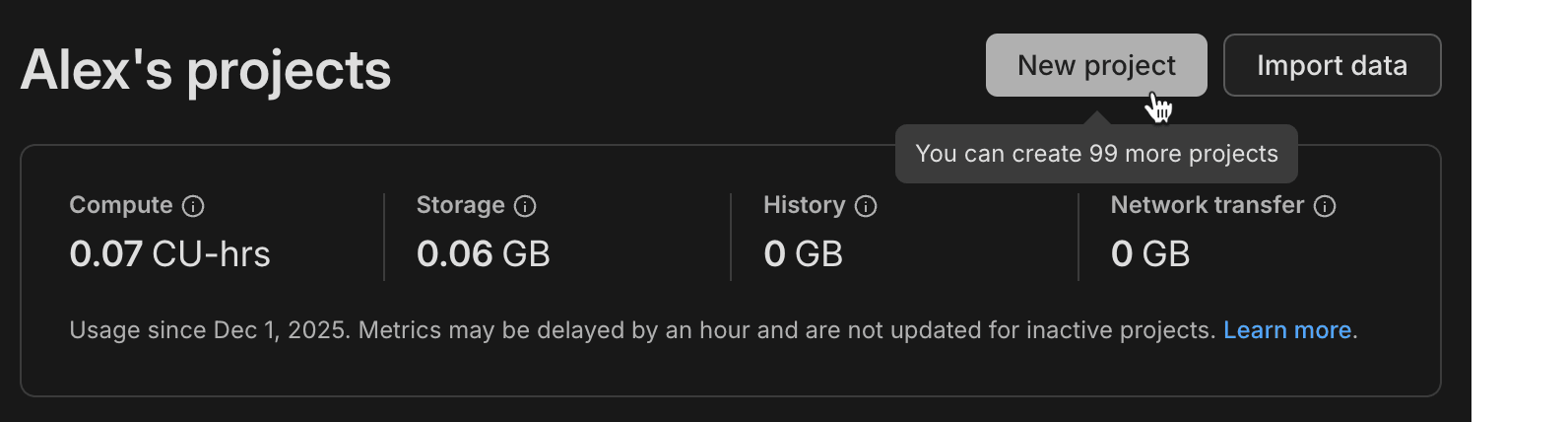
- Added a project count display to the Projects page in the Neon Console, making it easier to see how many projects you have at a glance.
- Projects created from the Neon Console are now created with a production branch only. Previously, projects created in the Neon console included both production and development branches. Projects created via the Neon CLI or API are unaffected by this change.